Sign up for a LINE Business ID
LINE's dedicated business login account. The same account is used across Ads, OA, and the Developers Console.
What is a Business ID?
A LINE Business ID is the shared login account used across all of LINE's business services. You log in with the same ID for the OA Manager, the Developers Console, and the LINE Ads Platform.
It is a separate account from your personal LINE, but during sign-up you can link it via your personal LINE or create it with an email address.
Can I create it with a personal LINE account?
It is technically possible, but we strongly recommend signing up with an email address.
- Vulnerable to operator changes — the personal LINE account used to sign up becomes the ultimate owner of the OA. If that person leaves, transferring OA ownership is cumbersome.
- Re-verification required — if you deactivate the personal LINE account or change phones, the Business ID is affected too.
- Hard to share responsibility — an email sign-up lets you use a clinic-owned address that can be shared internally.
line@yourclinic.com). It is unaffected by staff changes.Sign-up steps
- Go to manager.line.biz
- ⚠️ Typing the address directly into the URL bar causes an “Invalid URL” error. Always enter through the link above.
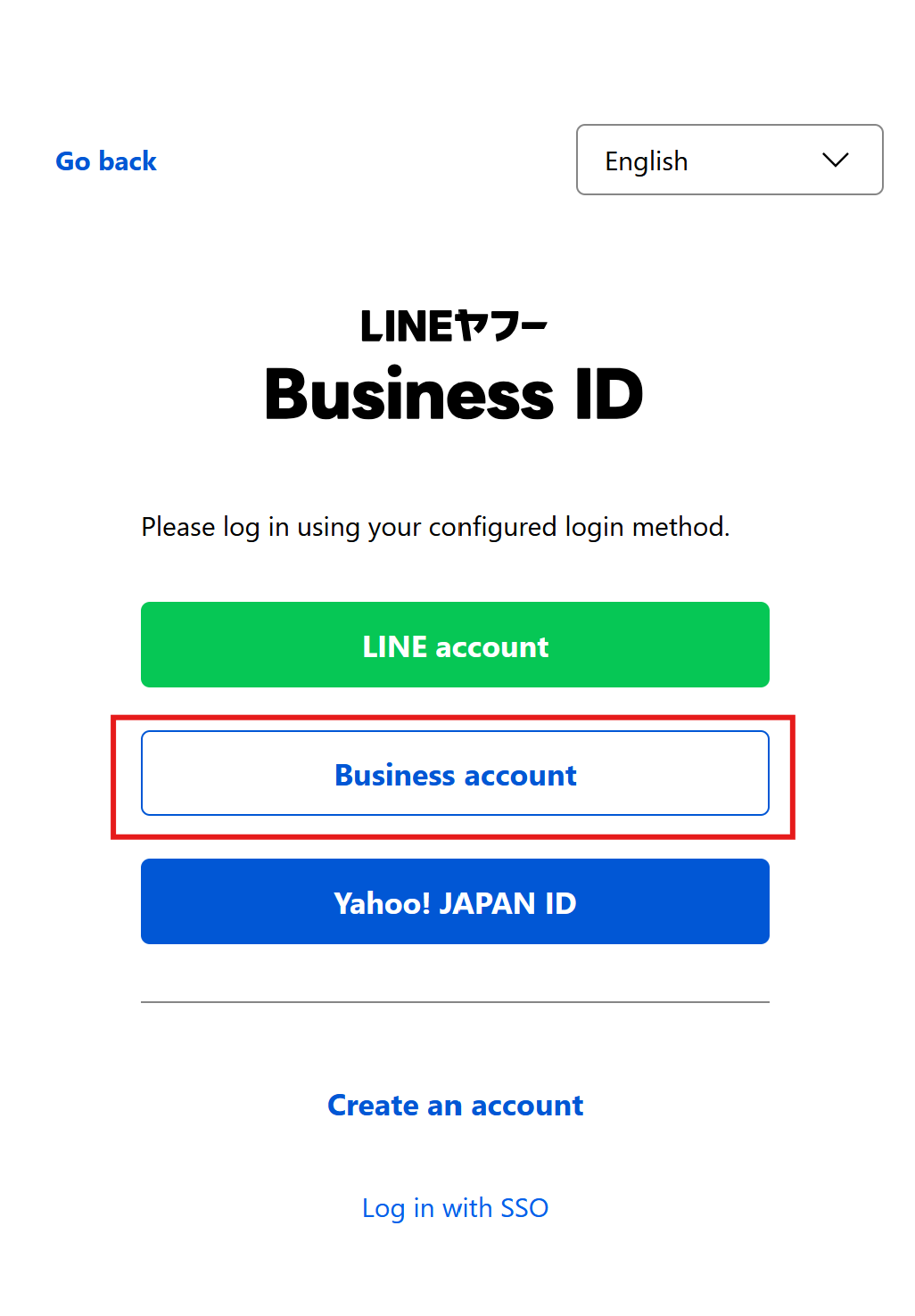
- On the login screen → Create an account
- Choose a sign-up method:
- Email and password ✅ Recommended
- LINE account — weak when operators change
- Enter your email → verification email → set a password
- Enter a display name (the admin's own name)
- Agree to the terms → done
Running multiple OAs
A single Business ID can create and manage multiple Official Accounts. Switch between OAs from the top-left of the dashboard.
If you run a separate OA per branch, each OA needs its own Messaging API Channel + CRM connection, but a single Business ID is enough.
Frequently asked questions
Q. I already have an ID I use for LINE Ads
Log in to manager.line.biz with the same ID and the create-OA menu appears. Do not sign up again.
Q. I forgot my Business ID password
Use “Forgot your password?” on the login screen — a reset link is sent to the sign-up email. First confirm the operating email is still active.
Q. Is there two-factor authentication beyond the password?
You can enable OTP under Settings → Security. Always turn it on for business operating accounts.
Q. What's next?
- Create a LINE Official Account — the channel patients add as a friend
- Create a Messaging API Channel — to issue API credentials
- The actual connection steps in the LINE connection guide
📍 If you get stuck, contact your Coauths representative.